Smart history
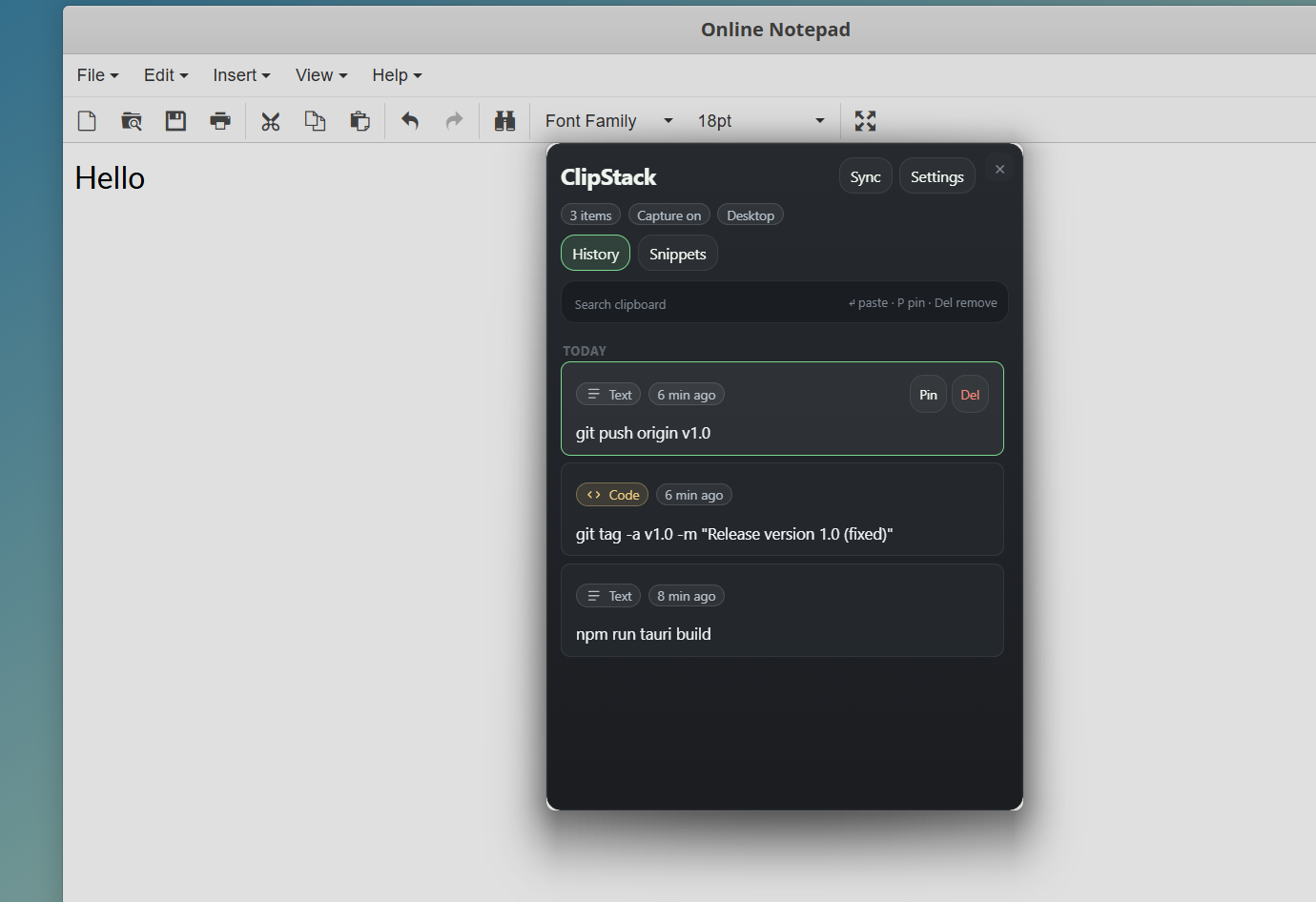
Automatically groups clips by type, deduplicates entries, and keeps a tidy timeline so you never lose track.
Local-first · Windows
ClipStack is a fast, keyboard-driven clipboard manager that keeps your full copy history local — with fuzzy search, snippets, and smart workflows built for power users.
Pinned
npm install --save-dev @types/node
Recent
const handler = useCallback(() => {
https://github.com/Shripad735/Clip…
Meeting at 3 pm — review PR #42
Capabilities
Five focused features that keep the overlay small and the workflow fast.
Automatically groups clips by type, deduplicates entries, and keeps a tidy timeline so you never lose track.
Find any clip with a partial query. Results update instantly as you type, ranked by recency and relevance.
Pin critical clips so they survive history clears. All data lives on-device — nothing ever leaves your machine.
Save reusable phrases, boilerplate templates, and commands. Paste them in one keystroke from anywhere.
Dump your full clipboard history to JSON or CSV with one click. Useful for archiving, audits, or migration.
Product tour
Browse history, save snippets, and tune behavior from the same compact overlay without losing context.
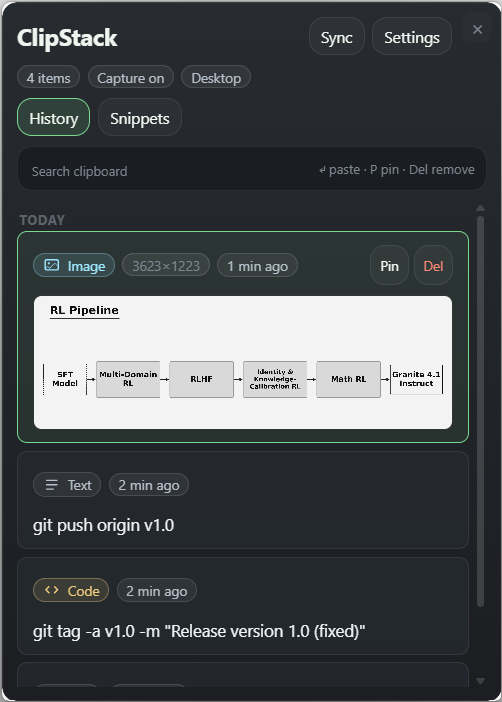
Search, scan, pin, and delete recent clips from the keyboard-first home screen.
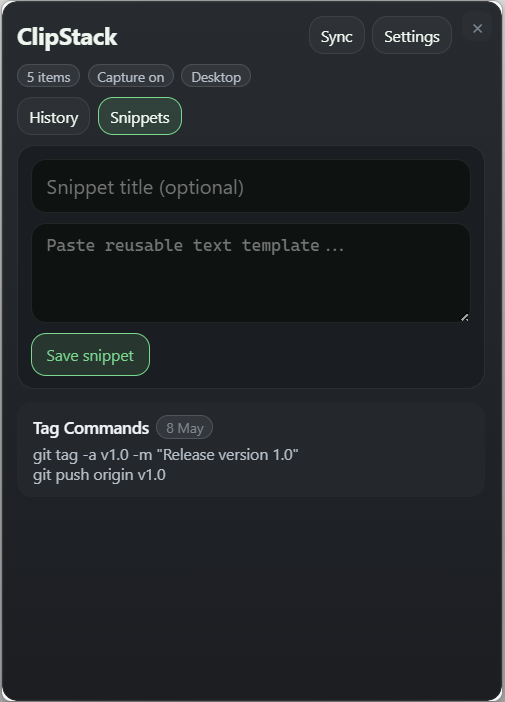
Keep reusable commands, phrases, and templates ready to paste in one move.
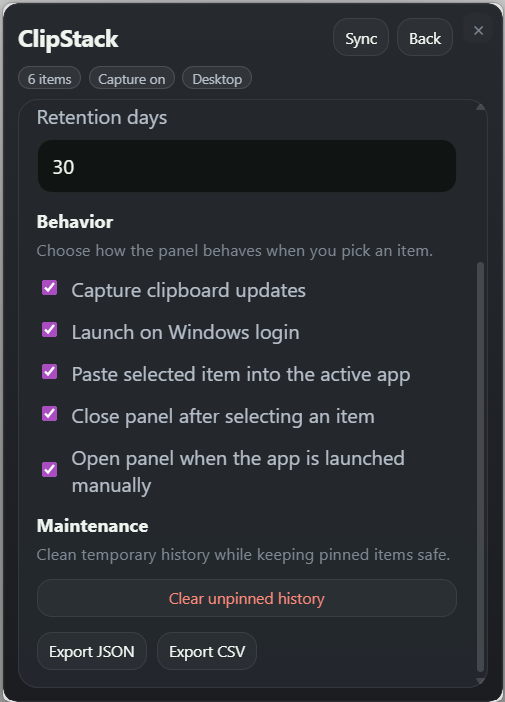
Control retention, launch behavior, export options, and cleanup without leaving the app.
How it works
ClipStack stays out of the way until you need it, then gets out of the way fast.
01
Press Alt V from anywhere on Windows. The compact overlay appears instantly on top of your current window.
02
Start typing to fuzzy-search your history, or scroll through grouped clips. Filter by pinned items or content type in one keypress.
03
Hit ↵ to paste immediately, or ⌘C to copy to clipboard. The overlay closes and you're back in your workflow.
Grab the latest Windows installer from GitHub Releases. ClipStack is free, open-source, and runs entirely on your machine.